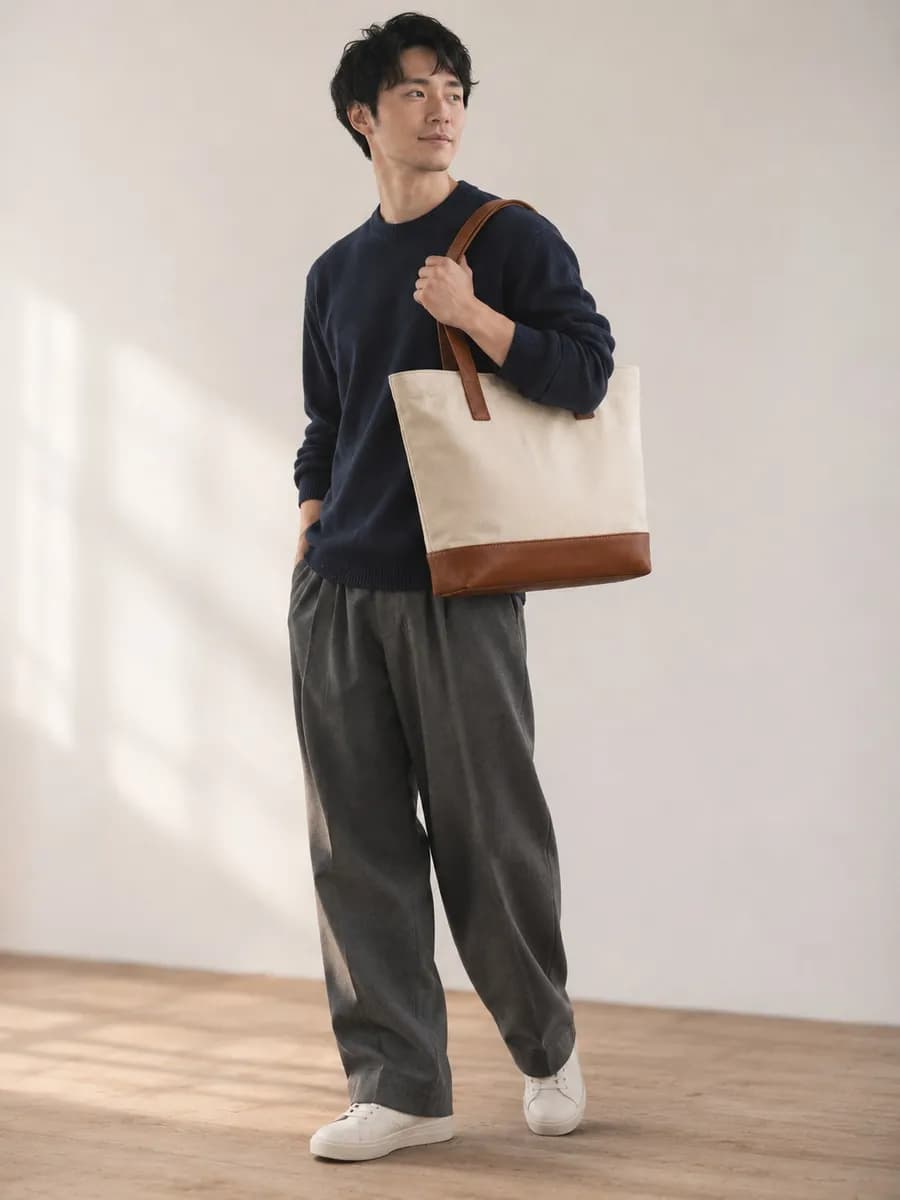
Staff Snap is a U-KOMI feature that shows staff reviews with photos and videos, posted by your store staff, on your online store.
Each post shows the staff member’s profile and the products they feature, so shoppers can follow the advice of people who know the products and go straight to the product page.
Fit, what to pair it with, how it feels to use — details a product description struggles to convey,
your store staff share in reviews with photos and videos.
Shoppers filter posts by height or tag
and choose products based on the outfits and tips of staff who are like them.
Browse posts by height or tag to find the ones worth following.
Check fit and styling through photos, videos and the staff member’s own words.
Go from the products in the post straight to their product pages.
Add the product detail widget and posts from staff who featured a product appear on its product page. You can also set up a Staff Snap list page and a staff ranking.
Lists every post, filterable by tag or height.
Features staff by number of posts and likes, with rank badges on the ranking.
Getting started with Staff Snap takes three steps: create staff accounts, post,
and add the tag to your online store.
Create an account for each staff member
and register their profile, such as height and home store.
Staff post from their own accounts,
choosing the products and tags to feature.
Place the tag shown in the admin panel
on your list pages and product pages.
Staff accounts
Choose the plan that fits the number of staff you need.
See pricing plansStaff Snap takes staff reviews that include photos or videos and shows them with the staff member’s profile and the products they feature, on list pages, detail pages and widgets. Staff reviews are available from the Starter plan; Staff Snap is available on the Standard plan and above.
We’ll walk you through how to add it to your site and which plan fits your number of staff.